So much of our lives happens in web browsers that many security investigations end up involving one, from insider threats to malware infections and everything in between. At the most basic level, this course is about determining what happened in a web browser. It's also about being able to verify what your tools say happened. A tool (even an LLM) can't stand before an executive or a judge and explain itself, but you, the practitioner, can.
Why Build a Course?
I've been interested in browser forensics my entire career. In one of my first jobs, I started a project to parse artifacts from this new browser called Chrome (since EnCase didn't support it yet). That project went through a few iterations and became Hindsight, which I released in 2012 and have been updating ever since. I've also written a lot of blog posts and given conference talks on my research into browser artifacts. Those are useful as narrow updates on new artifacts or techniques, but they're not a great way to learn browser forensics from the start.
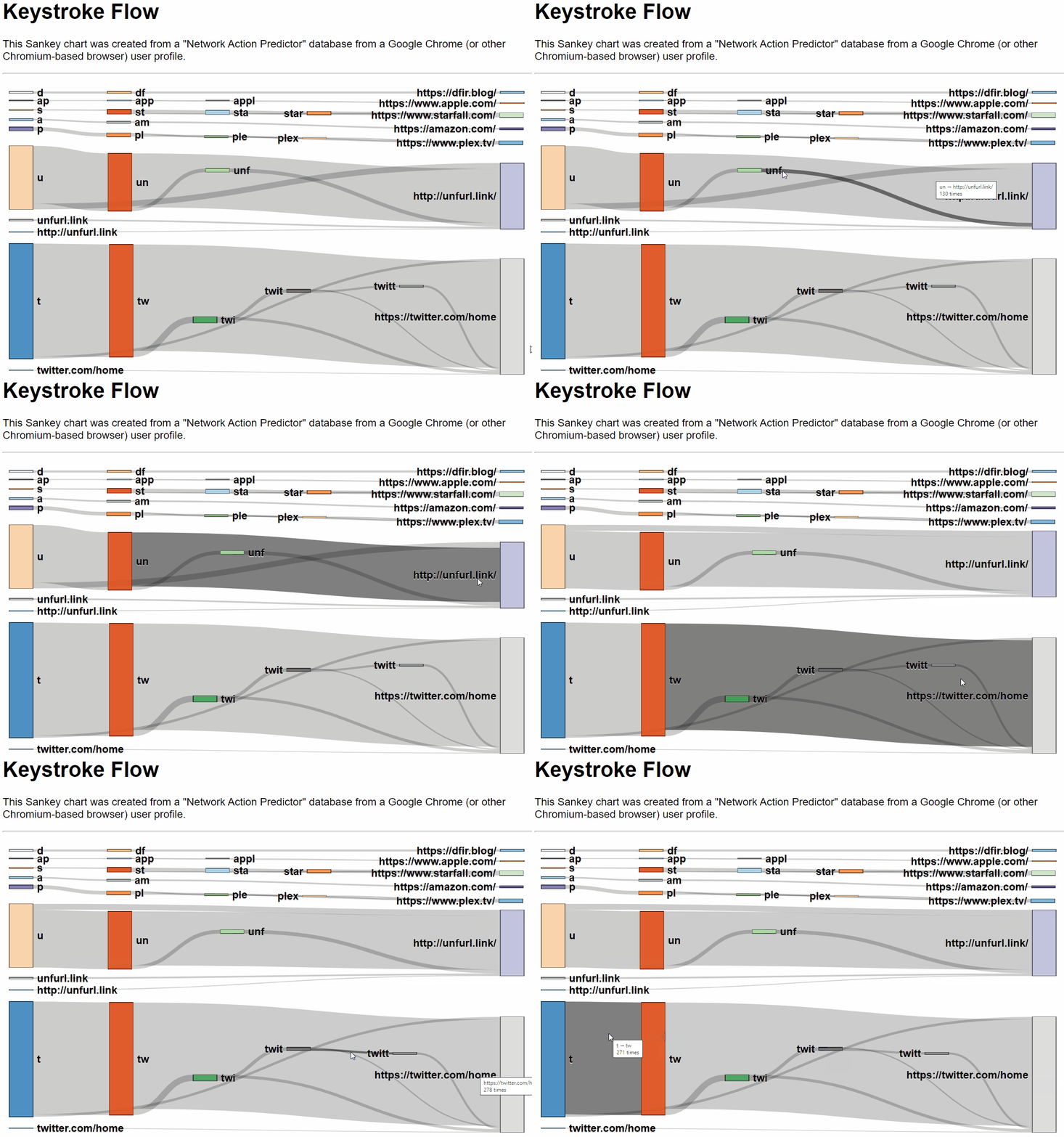
Throughout my career (both in the open source tool building space and in my corporate jobs) I've tried to put an emphasis on understanding and useful results, not just completeness in parsing data. It doesn't matter how technically awesome the analysis was if no one but you can understand the product. As an example, Hindsight produces multiple output types, but I think the spreadsheet version is the most popular, partly because it is digestible for most people. I've put a lot of thought into how the data output looks and how to roughly align different types of records, so an analyst can "scan" down the sheet and intuitively navigate it. Similarly, I built Unfurl with a "show your work" philosophy: not just instantly going from input → answer, but trying to explain the steps in between (both to help the user learn and to give the user confidence in the results).
I built Browser Forensics for Security Analysts to be a continuation of this; it's designed to help people understand browser forensics concepts and apply them themselves, but in a much more comprehensive way than a tool or discrete bit of research could.
What It Covers
The course teaches how to examine and correlate browser artifacts to reconstruct what happened, with a focus on Google Chrome. A single artifact rarely tells the whole story. A URL in the history tells you one thing, but the navigation history, cached resources, downloads, and permissions around it can tell you a lot more.
Rather than walking through artifacts one database at a time, the course is organized around the questions you're trying to answer in an investigation:
- User actions: What pages did they visit? How did they get to a page? What did they type into forms, and what permissions did they grant?
- Identity and devices: What accounts are tied to the profile, what device was involved, and who was using the browser at a given time?
- Website actions: What did sites store in cookies, the cache, key/value storage, and notifications?
- Browser extensions: What's installed, what can each extension do, and what data does it save?
- Browser-based attacks: Was the user phished? What scripts loaded? Was data exfiltrated, or was malware downloaded?
- Pattern of life: Which sites are visited most often, what happens off-hours, and which browsing sessions stand out as unusual?
What You'll Leave With
The goal is to teach you how to do comprehensive browser history investigations, not just run a glorified SQL query. After the course, you should be able to:
- Use the fundamental artifacts to determine what a user did inside a web browser
- Find the many ways websites store data in the browser (well beyond URL visits and cookies) and parse the data structures they use
- Manually parse key artifacts to validate your findings or a tool's output
- Use advanced techniques to pull more data points out of URLs
- Apply all of this to the many apps built on web browsers, like Slack, Teams, and Discord
Format
It's a self-paced, on-demand video course (not a live class). There are over 15 hours of lectures and demonstrations, plus around 5 to 8 hours of hands-on labs using both collected and live data. It's designed for security practitioners at any skill level, and it doesn't assume any prior browser forensics experience.
The labs use a variety of leading open source tools that work on any operating system, so there are no license dongles required. The course uses Hindsight heavily, but it isn't a Hindsight how-to. The point is to understand the artifacts well enough that you could check any tool's work.
Here's a sample video from the course:
Get It
The course is $247 and includes six months of access. Organizations can get bulk discounts. You can find the full syllabus, sign up, or see more details on the course page.
If you have questions about whether the course is a good fit for you or your team, let me know.